

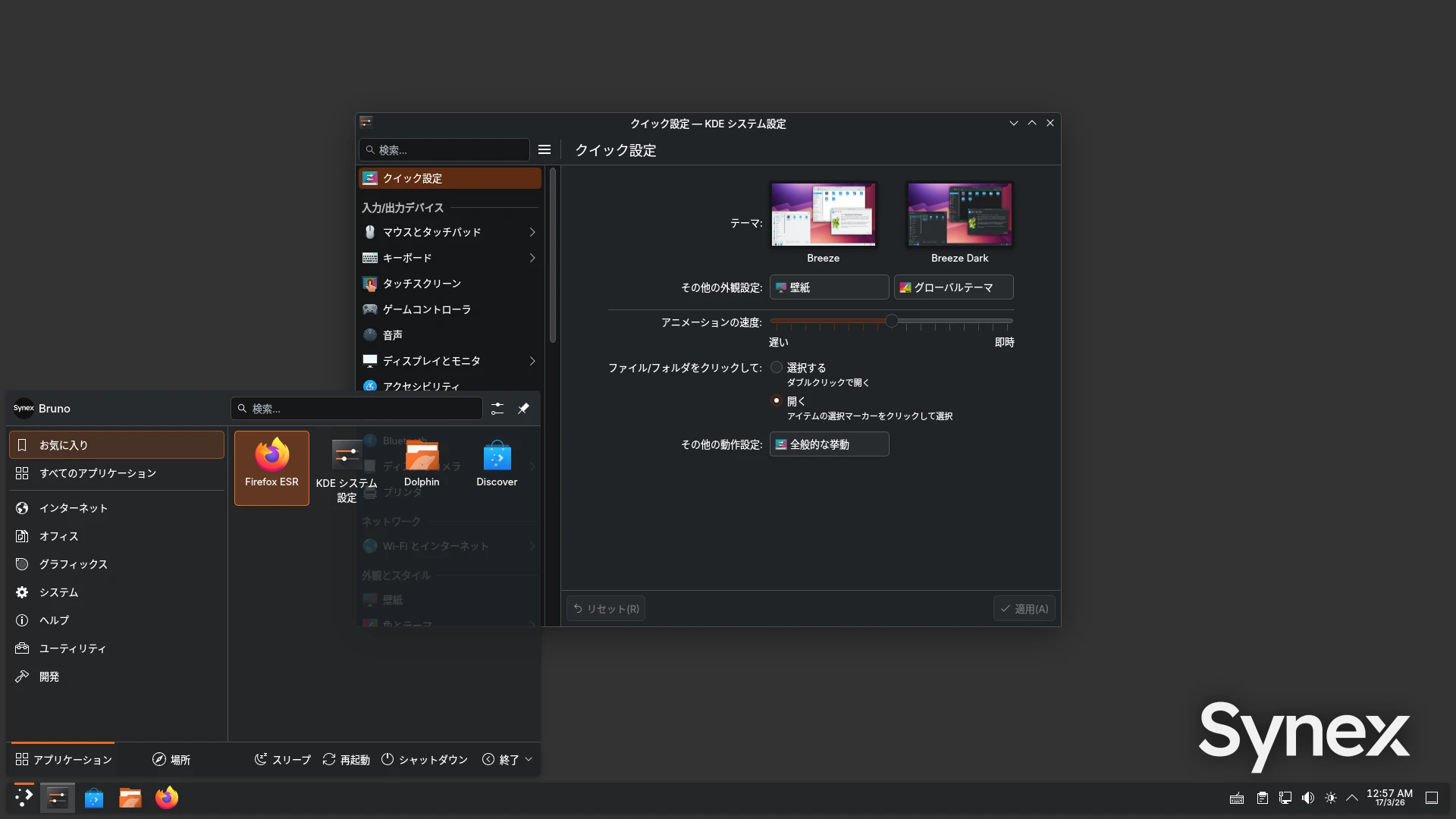
Japan is the second largest country by Synex downloads. This fact, along with feedback from our users, motivated work on CJK input support as a concrete priority, not as a marginal addition.
Included input stack
The build incorporates fcitx5 as the input framework, active by default in this edition. The included engines are Mozc for Japanese, fcitx5-chinese-addons for Chinese, and fcitx5-hangul for Korean. The fonts-noto-cjk package ensures correct character rendering throughout the system.
All necessary configuration is pre-integrated: environment variables are automatically initialized by im-config, and fcitx5 starts with the session without any user intervention. To switch between the system keyboard and the CJK input method, use Ctrl+Space.
Verified functionality
Testing confirms correct operation on both X11 and Wayland, on the KDE Plasma 6 desktop environment. Japanese input via Mozc operates in hiragana mode by default, with kanji conversion using the Space key. KDE users on Wayland can improve integration by setting fcitx5 as the virtual keyboard under System Settings → Keyboard → Virtual Keyboard.
Download and participation
This is a development build. Test results are essential to define the final behavior in u7. Share your experience at forum.synex.ar and report any issues or suggestions through the ticket system on SourceForge.
Download the devel build here.