

pop-launcher
The first COSMIC images included a version of pop-launcher with a higher numbering than the current versioning scheme. Since APT does not perform downgrades automatically, it's best to apply the change manually.
On the stable branch:
sudo apt install --allow-downgrades pop-launcher=1.1.0+synex1On semi-rolling:
sudo apt install --allow-downgrades pop-launcher=1.1.0+synex1+sr1The binary is functionally the same, so this step is a matter of tidiness: it aligns the installed version with the one in the repository. It is not mandatory, and if you skip it the desktop keeps working normally.
cosmic-monitor
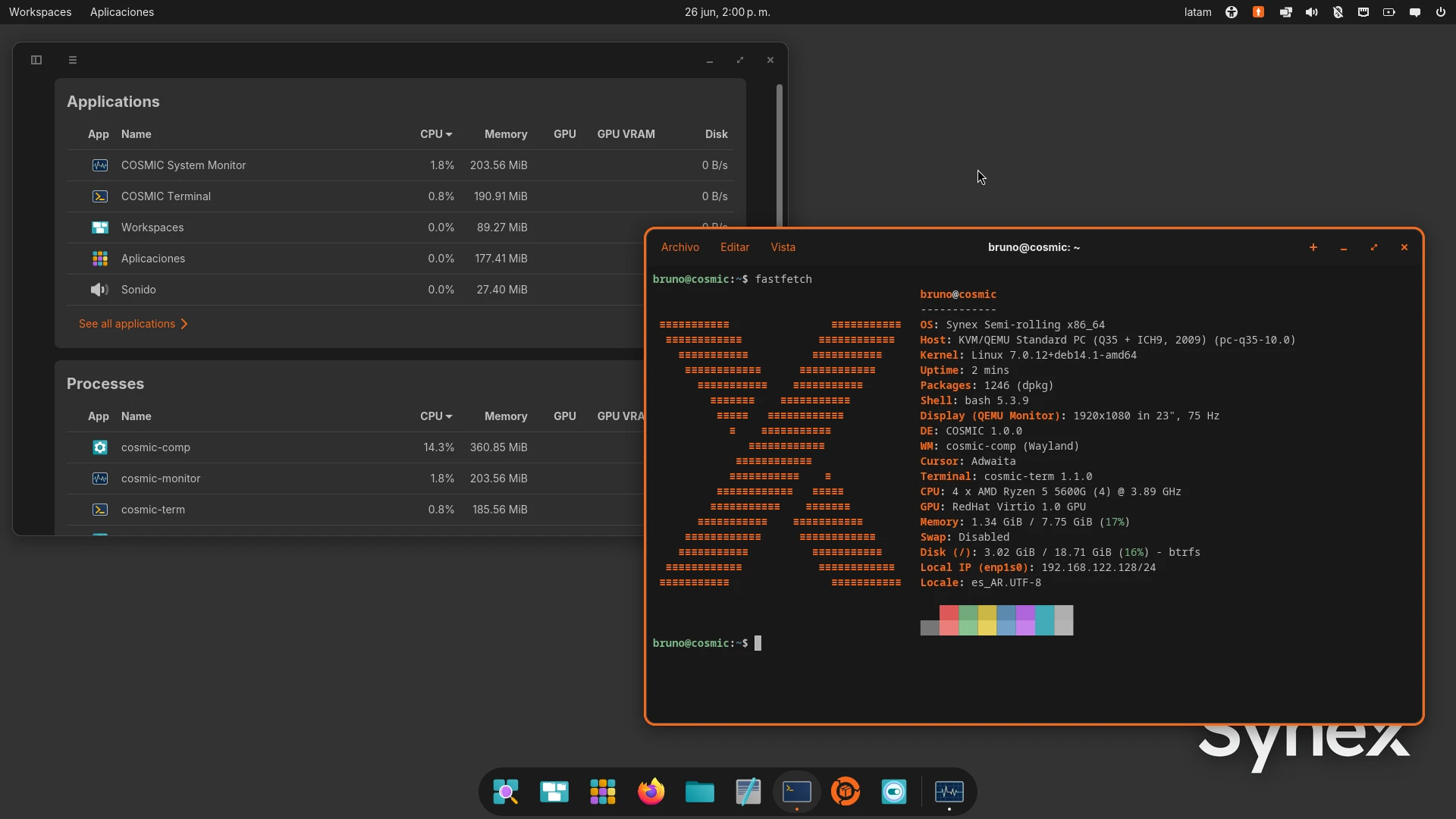
COSMIC version 1.1.0 adds a new component: the system monitor. Being a new package, it is not installed automatically during an upgrade. If you want to add it:
sudo apt install cosmic-monitorFinal words
Both adjustments are optional and one-time only. Future images already include the correct versioning and components, so these steps are only necessary for those coming from earlier versions of COSMIC.